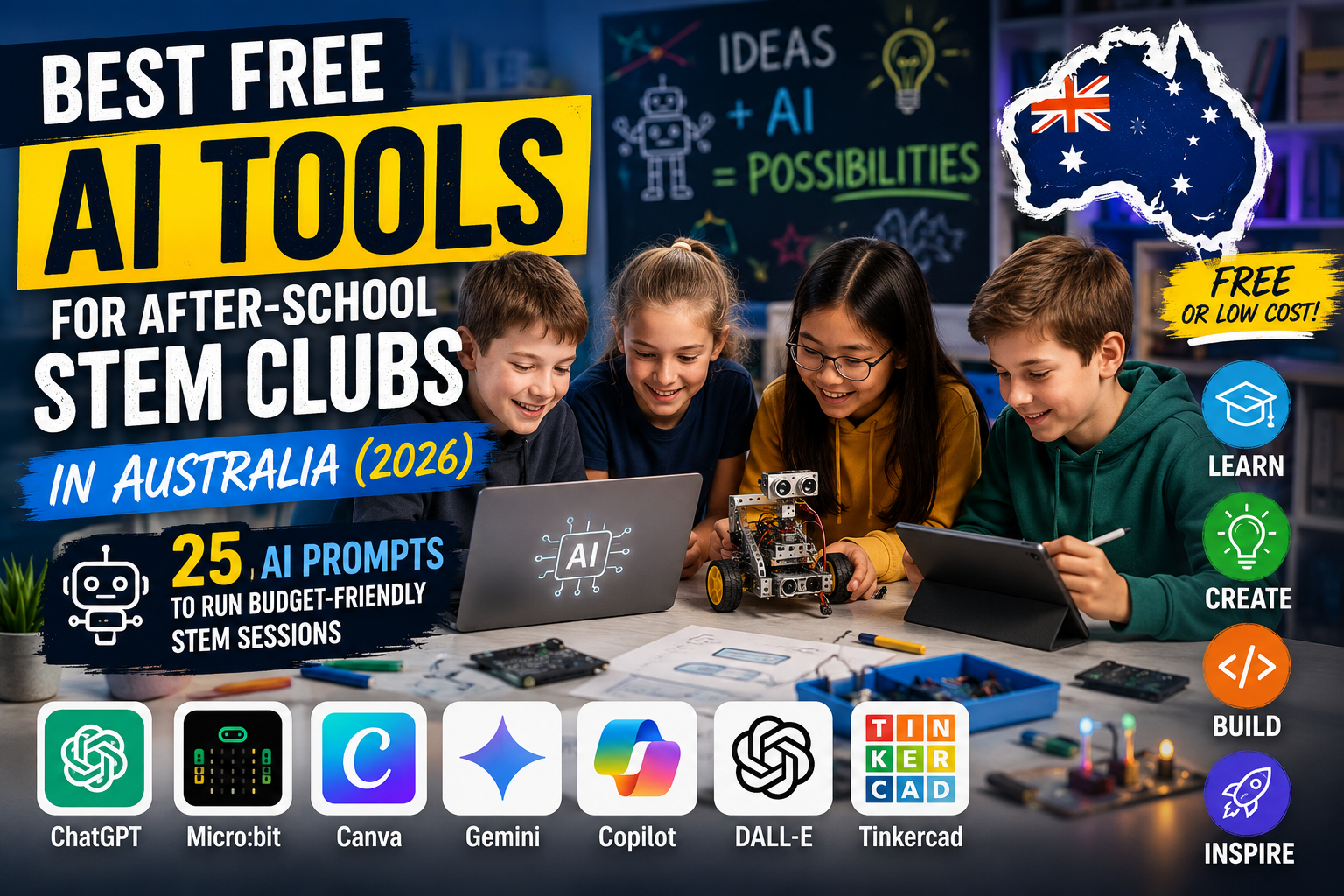
This guide is for after-school coordinators, community centre staff, volunteer teachers and STEM club leaders across Australia who need practical, budget-friendly AI tools and ready-made prompts for working with kids (ages 7–17) in 2026. Each of the 25 numbered prompts below is ready to copy and paste into ChatGPT or similar AI assistants, tweaked for free or low-cost tools like Scratch, micro:bit, MakeCode, Teachable Machine, Hugging Face Spaces, Google Colab and free Canva templates.
Use these prompts to build quick lesson plans, printable worksheets, safety notes, promotion copy, grant templates and classroom adaptations. After the prompts you’ll find practical tips for running low-cost AI activities, FAQs with Australian context, related Damo’s Blog links and final thoughts.
1. One-hour beginner lesson plan using Scratch
Quick, age-appropriate Scratch lesson for a 60-minute after-school session with learning outcomes and extensions.
Prompt
You are an experienced after-school STEM teacher. Create a 60-minute Scratch lesson plan for 9–12 year olds that introduces sprites, motion and events. Include learning objectives, a 5-step student activity (with time estimates), a simple starter project idea (make a sprite collect falling stars), a printable worksheet with 6 comprehension questions, and two extension tasks for faster students. Keep materials to zero-cost: computers or tablets and Scratch online. Include classroom management tips and a one-paragraph safety note about online accounts for students under 13 in Australia.
2. micro:bit low-cost coding project
Hands-on micro:bit activity that uses MakeCode, with materials and low-budget sourcing advice for Australian clubs.
Prompt
You are a community STEM mentor. Write a beginner micro:bit project for 10–14 year olds using MakeCode. The project makes a pedometer that counts steps and displays a smile when students reach a step goal. Provide step-by-step coding blocks, wiring (if any), a one-page printable student worksheet, a short explanation of how the accelerometer works in plain language, a materials list with estimated low-cost sourcing options relevant to Australia, and advice for teachers with only one micro:bit to share between two students.
3. Teachable Machine image classification demo
A simple, free browser-based machine learning demo using Teachable Machine for discussing AI basics.
Prompt
You are an educator creating an interactive demo. Provide a 45-minute lesson using Google Teachable Machine to build a 3-class image classifier (e.g., leaf, rock, flower) for 11–15 year olds. Include clear step-by-step student instructions, discussion questions about training data bias and ethics, troubleshooting tips when model accuracy is low, and a 3-question exit quiz. Keep language accessible for Australian students and include a note about not uploading personal photos without consent.
4. Cheap data logging with free tools and spreadsheets
Use phones and free Google Sheets to collect and visualise data — useful for science investigations and AI-inspired analysis.
Prompt
You are a STEM coordinator designing a low-cost data logging activity. Create a lesson where students use smartphone timers and Google Sheets to log plant growth or temperature over three weeks. Include a simple template spreadsheet with formulas for average, max, min and a chart, step-by-step student instructions, data privacy guidance for Australian community centres, and ideas for how to ask an AI assistant to suggest trend explanations from the collected data.
5. Create a printable worksheet for computational thinking
Printable worksheet focusing on decomposition, patterns and algorithms that teachers can photocopy cheaply.
Prompt
You are a worksheet author. Produce a one-page printable worksheet (A4) with five activities that teach computational thinking concepts: decomposition, pattern recognition, abstraction, algorithms and debugging. Include an answer key and three teacher notes for differentiating activities to younger and older students. Format content so it can be pasted into a Canva free template for quick printing.
6. Low-cost AI ethics discussion for kids
Age-appropriate ethics discussion prompts and classroom activities to introduce responsible AI thinking.
Prompt
You are a facilitator. Draft a 30-minute classroom discussion and a paired activity for 12–15 year olds introducing AI ethics: privacy, bias and consent. Include a short role-play script, five discussion prompts, a 200-word teacher summary to read aloud, and two short scenarios Australian students can relate to (e.g., school photo tagging app, school newsletter facial recognition). Add a short recommended reading list for teachers using free online sources.
7. Volunteer training checklist
Quick onboarding checklist for volunteers running club sessions with kids and tech equipment.
Prompt
You are a volunteer coordinator. Create a one-page onboarding checklist for volunteers who will run after-school STEM sessions with kids aged 8–14. Include safety checks for devices, privacy steps, simple classroom management rules, troubleshooting common tech problems (Wi‑Fi, blocked sites), and a short script volunteers can use to explain club rules to parents. Make the checklist printable and quick to scan.
8. Parent permission and information letter
Template letter for parents that explains the club, tech used and consent for photos/data in plain Australian English.
Prompt
You are a community centre admin. Draft a parent permission and information letter for an after-school STEM club that uses free AI tools (Scratch, Teachable Machine, micro:bit). The letter should explain session goals, tech used, photo and data use policy, how to opt out, and contact details. Keep the tone friendly, plain English and suitable for printing or emailing to parents in Australia.
9. Low-cost exhibition night plan and checklist
How to run a small showcase evening to display student projects using minimal budget.
Prompt
You are an events volunteer. Provide a step-by-step plan for a low-cost STEM exhibition night for families. Include a simple room layout, a run-sheet, poster checklist (printable A3 poster templates using Canva free tier), tech checks, a volunteer roster, budget estimate under $200 AUD, and ideas to invite local businesses or councils for support in Australia.
10. Formative assessment rubric for AI projects
A simple rubric to assess student projects fairly without grades — focuses on creativity, process and safety.
Prompt
You are an assessor. Create a one-page formative assessment rubric for after-school STEM AI projects for ages 10–15. Include four criteria (planning/process, technical skills, creativity, collaboration) each with 1–4 levels and short descriptors. Add a short teacher guidance note on using the rubric for feedback only (no formal grades) and how to adapt for different age groups.
11. Quick grant request template for local funding
Short, practical grant/mini-fund application template to buy kits or pay for transport.
Prompt
You are writing on behalf of a community STEM club. Draft a concise grant request (max 400 words) suitable for local council or small philanthropic grants in Australia to purchase 10 micro:bits or a class set of sensors. Include a measurable impact statement, a simple budget line item list with estimated costs in AUD, and suggested outcomes for kids. Keep language clear and persuasive without promising specific job outcomes.
12. Low-bandwidth AI activities for limited internet
Offline or low-data activities that still teach AI concepts and computation using paper and local devices.
Prompt
You are an educator designing low-bandwidth activities. Provide five classroom activities that teach AI concepts without constant internet: paper-based classification games, offline Scratch projects, micro:bit sensor challenges, block-based algorithms on printed cards, and using downloaded datasets on USB sticks. Give time estimates, materials lists and adaptations for small groups.
13. Simple poster and flyer text for local promotion
Short, punchy promotional text for posters and social posts that volunteer coordinators can use.
Prompt
You are a community promoter. Write three versions of promotional copy for an after-school STEM club targeting parents: a one-line tagline, a 40-word blurb for flyers, and a 150-character social post for X. Include a call to action and a friendly note about limited places and low-cost fees. Keep language local to Australia and suitable for printing on A4 posters.
14. Classroom-friendly explanation of machine learning for kids
Short, age-appropriate explanation with metaphors and a quick demo idea using household items.
Prompt
You are a science explainer. Write a 200–300 word explanation of what machine learning is for 9–12 year olds using the metaphor of a detective learning from clues. Add a 10-minute hands-on demo using labelled jars and coloured blocks to demonstrate training and testing, and two follow-up questions to ask the students.
15. Scratch game design storyboard template
Storyboard template and prompt to help students plan a Scratch game before coding.
Prompt
You are a game design mentor. Produce a 1-page storyboard template for students planning a simple Scratch game. Include sections: title, goal, main sprite behaviours, levels (1–3), scoring, obstacles, sound ideas, and testing checklist. Add three coaching questions teachers can use during project time.
16. Student reflection and peer-feedback prompts
Short prompts students can use to reflect on learning and give peers useful feedback.
Prompt
You are a learning coach. Create eight student reflection prompts and five peer feedback sentence starters for use after a club session. Keep language simple and include one version converted into emoji-friendly language for younger students.
17. Step-by-step guide to set up a free Hugging Face Space demo
Basic instructions to run a prebuilt model demo that kids can interact with using a browser.
Prompt
You are a technical mentor. Write a step-by-step guide for setting up a free Hugging Face Space using an existing image classification demo or text generation demo. Include instructions for creating an account, selecting a ready-to-run repo, how to protect students (no personal data), how to demonstrate the model live, and a one-page handout explaining limits and privacy in plain English for parents.
18. Adaptation prompt for mixed-age groups
How to adapt a single lesson to suit a wide age range in the same session.
Prompt
You are an inclusive teacher. Provide an adaptation plan for a 60-minute AI-themed session that must work for children aged 8–14 in mixed groups. Offer three levels of challenge for each activity (beginner, intermediate, advanced), suggestions for grouping students, and quick assessment strategies teachers can use to ensure everyone is engaged.
19. Low-cost supplies shopping list and budget
Concise shopping list with Australian price estimates and supplier ideas for small budgets.
Prompt
You are a purchasing advisor. Create a low-cost shopping list for running a term of eight after-school STEM sessions: 10 micro:bits (or BYO), batteries/chargers, basic sensor packs, printable A4 paper, craft materials, and spare chargers. Provide estimated price ranges in AUD for each item and suggest Australian suppliers or marketplaces where low-cost items can be bought second-hand or in bulk.
20. Printable consent checklist for student-made media
Consent form template for students creating photos, audio or video as part of projects.
Prompt
You are an admin preparing consent forms. Draft a short, clear consent checklist for parents including items: photo use on club displays, audio/video for internal use only, permission to publish on club social media, and opt-out options. Make it suitable for a one-page printout and compliant with plain-language expectations in Australia.
21. Simple data ethics classroom activity
Interactive activity about what data is and why it matters, suitable for primary students.
Prompt
You are a teacher. Design a 30-minute interactive lesson for 8–10 year olds that explains what data is and why we should look after it. Include a short game where students sort cards into public/private categories, a 5-minute discussion script about why some data is sensitive, and two take-home tips for families on protecting privacy with free tools.
22. Quick troubleshooting script for tech problems
Script volunteers can follow when tech issues interrupt sessions — calm, quick steps and fallback activities.
Prompt
You are a support technician writing a troubleshooting script for volunteers. Provide a quick checklist to follow when a computer or internet problem interrupts an after-school session. Include a 5-step troubleshooting flow (check power, restart device, switch to offline activity), simple scripts volunteers can read to kids to keep them engaged, and three fallback low-tech activities that teach the same concepts without devices.
23. Social media post copy to attract local families
Friendly, local-language social posts for X and Facebook that Damien could post personally.
Prompt
You are writing a social post for the club leader Damien. Write two friendly, local social posts: one for Facebook (two short paragraphs) and one for X (up to 280 characters) announcing new term registrations for a low-cost after-school STEM club in Australia. Keep the tone personal, invite parents to ask questions, mention limited places and links to sign up. Close with Damien’s first name only.
24. Parent workshop: explaining AI in 45 minutes
Short workshop plan to help parents understand what kids are doing and how to support safe use at home.
Prompt
You are a parent educator. Create a 45-minute workshop plan for parents that explains the basics of AI, what students are learning in the club, privacy and safety tips, and three hands-on demos parents can try at home with free tools. Include a 1-page handout summarising the most important safety steps for families in Australia.
25. Post-project celebration email and certificate template
Email and printable certificate to celebrate student achievements and encourage future participation.
Prompt
You are the club coordinator. Draft a short celebration email to parents announcing a term wrap, include highlights, photos guidelines, and a printable certificate template for participants. Keep the email warm, short and include a call to action to register for the next term. Provide certificate wording that can be pasted into a Canva free certificate template.
Practical tips for running low-cost AI STEM clubs
- Prioritise free, browser-based tools: Scratch, MakeCode, Teachable Machine and Hugging Face Spaces minimise device setup and cost.
- Rotate hardware: if you only have a few micro:bits or tablets, design paired activities so every student has hands-on time.
- Use printable resources: A4 worksheets and laminated instruction cards reduce screen time and are cheap to reproduce.
- Protect privacy: avoid collecting personal photos or names in datasets. Use synthetic or public-domain images when demoing image models.
- Plan low-bandwidth backups: always have an offline activity ready if Wi‑Fi drops out.
- Local sourcing: check school fundraising groups, local Buy/Sell/Swap Facebook groups and education resellers in Australia for second‑hand kits.
- Keep sessions short and modular: 45–60 minute blocks work best for mixed ages and limited volunteer time.
FAQ
Can I run these activities without expertise in AI?
Yes. The prompts are written so volunteers and teachers with basic tech skills can copy them into a ChatGPT-style assistant and receive step-by-step lesson plans, scripts and printable resources. Start with beginner sessions like Scratch or Teachable Machine.
Are these tools safe for children under 13 in Australia?
Many free tools have age limits or require parental consent. Always check the service’s terms, avoid collecting personal data, and use privacy-first settings. Provide parents with clear consent forms (see prompt 20).
How much will this cost per child?
Costs vary. If you rely on existing computers or tablets and free tools, per-child costs can be minimal. Small hardware like micro:bits or sensors are one-off purchases — prompt 19 gives budget estimates and sourcing tips in AUD.
What about internet and device limitations in remote or low-bandwidth areas?
Use the low-bandwidth activities in prompt 12. Many concepts can be taught with paper, offline Scratch projects and micro:bit exercises that sync later. Consider lending USB sticks with preloaded resources.
Where can I find Australian funding or support?
Local councils, community grants and education foundations often have small grants for youth STEM initiatives. Use the grant request template in prompt 11 and approach local businesses or councils for in-kind support.
How do I cite or credit the AI when students use generated images or text?
Teach students to include a short credit line on their project: tool name, date, and “created with assistance from [tool]” (e.g., Teachable Machine or Hugging Face). This models responsible use.
Related Damo’s Blog articles
- Best ChatGPT Prompts for Teachers (2026): 15 AI Prompts to Save Time and Improve Your Classroom — useful for classroom-facing prompt templates.
- Best ChatGPT Coding Prompts (2026): 15 AI Prompts Every Programmer Should Know — helpful when preparing coding challenges.
- Unlock Your Creativity: Building a Mobile App Without Coding — good for older students interested in apps.
Final thoughts
Running an after-school STEM club on a tight budget in Australia is absolutely possible with a mix of free AI tools, clever planning and the right prompts. Use this set of 25 copy-and-paste prompts to save prep time, produce printable resources and keep sessions practical and safe. Start small, gather feedback from students and parents, and apply for local micro-grants to scale up equipment. If you need help adapting any prompt to your exact age group or device mix, paste the prompt into your AI assistant and ask it to tailor the wording for your club.
Want more prompt packs like this? Check the related teaching and coding prompt collections on Damo’s Blog for classroom-ready ideas and templates.

Leave a Reply