Introduction
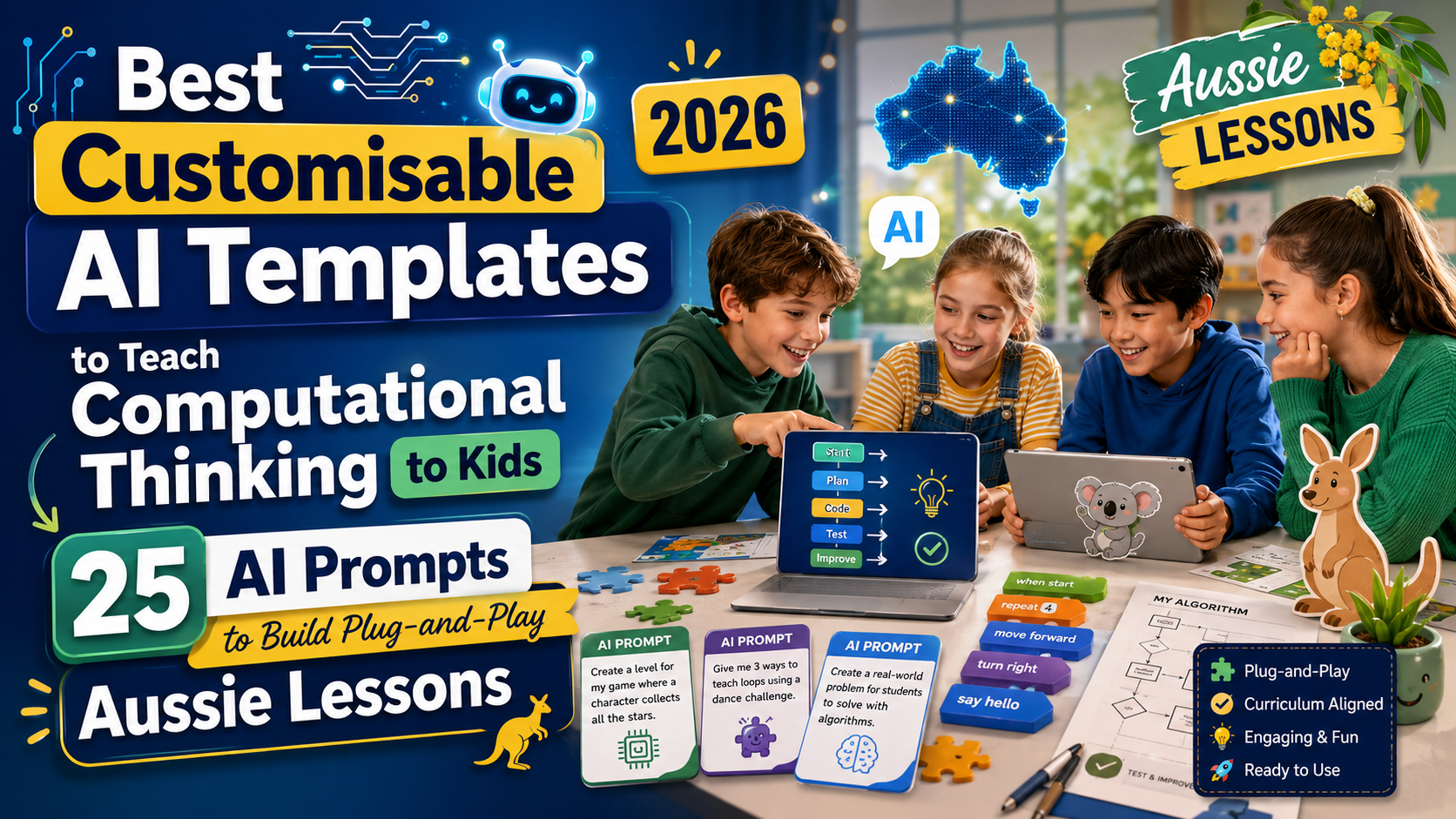
This guide is for Australian primary and lower-secondary teachers, after-school club coordinators and volunteer educators who want plug-and-play, customisable AI templates to teach computational thinking to kids. Each of the 25 prompts below produces a lesson component you can copy straight into your favourite AI tool, tweak for your class, and use in a 30–60 minute lesson, workshop or homework task.
Computational thinking covers decomposition, pattern recognition, abstraction, algorithms and debugging. Localising examples to Aussie places, sports and environments makes lessons more relatable and easier to adopt in schools from Perth to Brisbane. Where helpful, prompts mention ACARA-style outcomes or include Aussie cultural references so you can align content quickly.
1. Year K–2 Unplugged Intro: Decomposition with a Playground Map
Short explanation: Use a physical playground map activity to teach decomposition — breaking a whole task into smaller steps. Great for Foundation to Year 2 and requires no devices.
Prompt
Act as a primary lesson planner. Create a 30-minute unplugged lesson for Foundation–Year 2 that teaches decomposition using a school playground map. Include: learning objective, step-by-step teacher script, 3 student activities (group and independent), simple worksheet with 6 questions, special instructions for students with additional needs, timing per activity, Australian examples (playground near a gum tree, sandpit, oval). Provide clear exit ticket and a one-sentence parent note to send home.
2. Year 3–4 Pattern Recognition: Aussie Animal Data Hunt
Short explanation: Students collect simple data about native animals and identify patterns — great for cross-curriculum links with science.
Prompt
Design a 45-minute Year 3–4 lesson that teaches pattern recognition using an Aussie animal data hunt. Include: learning outcomes, list of materials, data-collection sheet for students (10 entries), instructions for grouping, guided questions to find patterns (e.g., habitats, activity times), a short worksheet and an extension task for high achievers. Localise with examples like kookaburras, kangaroos and platypus.
3. Year 5–6 Abstraction: Planning a School Fair Game
Short explanation: Teach abstraction by having students design a fair game and identify core rules versus decorative features.
Prompt
Create a 60-minute Year 5–6 lesson that uses planning a school fete/game to teach abstraction. Provide: lesson plan with explicit success criteria, student worksheet to separate core rules from optional features, a rubric for assessment, differentiation ideas, and a teacher-led modelling script. Use Australian fair examples like a coconut shy, sausage sizzle scoring or AFL kick challenge.
4. Algorithms with Steps: Making Timetables (Years 4–6)
Short explanation: Students build simple algorithms by making class timetables and sequencing activities logically.
Prompt
Act as a classroom tech coach. Produce a 40-minute Years 4–6 lesson where students create a one-week class timetable. Include: learning intention, step-by-step student tasks to build algorithms for daily routines, printable template, sample teacher answers, and challenges for faster students (e.g., optimise transitions). Mention Aussie school day timings and recess/lunch routines.
5. Debugging: Spot the Bug Story Game (All Ages)
Short explanation: A story-based activity where students find logical errors in instructions or sequences — excellent for comprehension and debugging skills.
Prompt
Write a flexible classroom activity suitable for Foundation to Year 8 titled “Spot the Bug Story Game.” Include 6 short, age-scaled stories with deliberate logical bugs (e.g., impossible steps, missing steps). Provide teacher hints, a student checklist for debugging steps, and a short reflection prompt. Add Australian settings like a surf club and a bush walk.
6. Scratch Starter: Build an Aussie Animal Quiz (Years 5–8)
Short explanation: A code-first prompt that generates a Scratch project plan for creating an interactive animal quiz.
Prompt
Act as a Scratch mentor. Provide a step-by-step guide to build an interactive Aussie animal quiz in Scratch for Years 5–8. Include sprite list, pseudocode or block-by-block instructions, sample questions on koalas and emus, scoring logic, extension ideas (timed rounds), and a printable teacher checklist for assessment.
7. Micro:bit Project: Algorithmic Directions for a School Treasure Hunt
Short explanation: Use micro:bit or similar devices to teach algorithms by programming directional sequences for a treasure hunt.
Prompt
You are an ICT teacher. Create a 50-minute micro:bit project lesson for Years 6–8 where students code sequences to guide a treasure hunt. Include hardware checklist, sample MakeCode blocks, testing protocol, safety notes for outdoor hunts, and assessment tasks. Localise with landmarks like school hall, library and flagpole.
8. Group Role-Play: Algorithms as Recipes (Foundation–Year 3)
Short explanation: Turn algorithms into recipe-like instructions and role-play following and correcting them to learn sequencing and precision.
Prompt
Generate a 30-minute role-play lesson for Foundation–Year 3 titled “Algorithms as Recipes.” Provide script for teacher and student roles, printable recipe cards with intentional errors, classroom management tips, and an inclusive activity option for non-verbal students. Use a simple Vegemite toast recipe as an Aussie example.
9. Printable Worksheet Generator: ACARA-Aligned Task Pack
Short explanation: Request a pack of printable worksheets that align with Australian curriculum outcomes for computational thinking across F–6.
Prompt
Act as a curriculum writer. Produce a pack of 6 printable worksheets aligned to ACARA computational thinking outcomes for Foundation to Year 6. For each year band include objectives, one unplugged task, one digital task, an answer key and teacher notes. Use Australian contexts and plain language for quick printing.
10. Differentiation Matrix: Quick Adjustments for Mixed-Ability Classes
Short explanation: Provide a one-page differentiation matrix teachers can use to adapt any computational thinking activity for three levels of learners.
Prompt
Provide a one-page differentiation matrix for computational thinking lessons that covers three tiers: support, on-level and extension. For each tier list learning goal tweaks, scaffolded teacher prompts, suggested resources (low-tech and digital) and an assessment checklist. Include Aussie classroom examples and quick timing suggestions.
11. After-School Club Pack: 6-Week Computational Thinking Sequence
Short explanation: A ready-to-run after-school club plan with weekly themes and plug-and-play sessions.
Prompt
Design a 6-week after-school club program for ages 8–12 that teaches computational thinking. For each week provide a session title, 45-minute agenda, materials list, learning outcomes and a take-home challenge. Include Aussie-themed activities and a parent information sheet template.
12. Quick Exit Tickets: 10 One-Minute Checks
Short explanation: Short formative assessment prompts teachers can use to check understanding at lesson end.
Prompt
List 10 quick exit ticket prompts for computational thinking lessons that take one minute to complete. Provide a mix of multiple choice, one-sentence reflection and mini debugging tasks. Include teacher marking notes and suggestions for plenary discussion.
13. Student-Facing Instructions: One-Page Activity Template
Short explanation: Create a single, student-friendly sheet that explains any activity clearly and consistently.
Prompt
Act as a plain-language editor. Produce a one-page student-facing activity template that outlines task, steps, success criteria, materials and extension tasks. Keep language suitable for Years 3–6 and include an Aussie example task about designing a beach-cleaning algorithm.
14. Parental Newsletter Blurb: How to Support Computational Thinking at Home
Short explanation: Short, friendly text to send to parents explaining the topic and home activities with minimal tech.
Prompt
Write a 150-word parent newsletter blurb explaining computational thinking and three simple home activities parents can do with kids (no tech required). Use Aussie examples and include a one-sentence tip for parents of busy families.
15. Behaviour Management Add-On: Managing Group Projects
Short explanation: Practical classroom management script and strategies for group computational thinking tasks.
Prompt
Provide a behaviour management add-on for group computational thinking projects. Include roles, conflict-resolution scripts, time checkpoints, and quick reward ideas. Include a version for large classes and a version for small after-school groups.
16. Inclusive Adjustments: Support for Neurodiverse Students
Short explanation: Strategies and activity variations to make lessons accessible for neurodiverse learners and students with additional needs.
Prompt
Act as a specialist teacher. Create a list of inclusive adjustments for computational thinking lessons, including visual supports, simplified instructions, sensory breaks, and alternative assessment methods. Provide two example lesson modifications for Years 3–4 and Years 7–8 and note when to consult school disability coordinators.
17. Assessment Rubric: Simple 4-Point Scale for Computational Thinking
Short explanation: A teacher-friendly rubric you can paste into your LMS or print for marking projects and group work.
Prompt
Draft a simple 4-point assessment rubric for computational thinking projects (levels: Beginning, Developing, Proficient, Excelling). Include criteria for decomposition, patterns, algorithm design, and debugging, plus sample comments for each level. Make it printable for Years 5–8.
18. Quick Slide Deck Outline: 10 Slides for a Lesson
Short explanation: A ready slide structure you can paste into PowerPoint, Google Slides or an LMO to run a lesson quickly.
Prompt
Provide a 10-slide lesson outline for a 45-minute computational thinking class. For each slide include slide title, speaker notes, suggested images (Australian examples) and student interaction prompts. Add a slide for formative assessment and one for extension/homework.
19. Community Project Template: Coding a Local Map Tour
Short explanation: A project template where students build a simple digital map tour of their local area, teaching sequencing and data representation.
Prompt
Create a community project template for Years 7–9 where students design a digital map tour of a local area (e.g., town centre or coastline). Include project milestones, data collection forms, responsibilities, assessment criteria and suggestions for displaying work at school open night. Use respectful local content guidance.
20. Low-Tech Makerspace Activity: Algorithm Relay
Short explanation: A physical activity for the makerspace or gym where students act out algorithm steps as a relay race.
Prompt
Design a 30-minute low-tech makerspace or PE activity called “Algorithm Relay” for Years 3–6. Provide rules, station instructions, sample tasks (e.g., build a tower, sort coloured balls), safety notes and differentiated challenges. Include medals or certificates text for winners.
21. Cross-Curriculum Project: Computational Thinking in Geography
Short explanation: Integrate computational thinking with geography by analysing river systems or urban layouts using pattern recognition and abstraction.
Prompt
Act as a cross-curriculum planner. Create a 2-week unit outline that combines computational thinking with Year 5–6 geography (river systems or city planning). Include lesson sequence, sample data tasks, assessment tasks and final project brief. Localise examples to the Murray River or Sydney Harbour.
22. Parent Volunteer Guide: Running a Club Session
Short explanation: A short guide to help parent volunteers run a safe, structured computational thinking session with minimal training.
Prompt
Write a one-page parent volunteer guide to run a 45-minute computational thinking session. Include checklist, timings, simple scripts, safety points, and troubleshooting tips. Make language friendly and assume no coding experience. Include Aussie school references.
23. Student Reflection Prompts: Growth Mindset & Debugging
Short explanation: Short reflection prompts that encourage students to think about their problem-solving process and persevere through debugging.
Prompt
List 12 student reflection prompts focused on growth mindset and debugging after computational thinking tasks. Provide short teacher instructions on when to use them and how to collect responses (verbal, written or digital). Include examples for Years 4–8.
24. Quick Consent & Privacy Note Template for Device Use
Short explanation: A short, school-ready privacy and consent blurb for using student devices or uploading work online — drafted plainly for parents.
Prompt
Draft a 150-word privacy and consent template for parents about students using devices and uploading work to cloud services or class blogs. Keep wording plain, compliant with typical school expectations, and include opt-out instructions. Mention teacher contact details placeholder.
25. Lesson Reflection & Improvement Planner for Teachers
Short explanation: A teacher-facing planner to capture quick wins and improvements after each lesson — perfect for iterative improvement and sharing with colleagues.
Prompt
Act as a reflective practice coach. Produce a one-page lesson reflection and improvement planner for computational thinking lessons. Include prompts for what worked, what didn’t, student misconceptions, resources needed next time, and one change to implement in the next lesson. Add a box for ACARA outcome notes.
Practical tips for using these templates in Aussie classrooms
- Localise quickly: swap place names, sports and animals for ones familiar to your students — e.g., replace “baseball” with “AFL kick challenge.”
- Start small: use a single prompt to generate a worksheet or slide and pilot it with one class before scaling to year groups.
- Check accessibility: convert AI-generated worksheets to high-contrast PDFs and provide large-print or audio alternatives where needed.
- Keep assessment simple: use the 4-point rubric to provide fast, actionable feedback.
- Save prompts: store your favourite prompts in a central drive and note any tweaks you made for reuse by colleagues or parent volunteers.
Related published articles
- Best ChatGPT Prompts for Teachers (2026): 15 AI Prompts to Save Time and Improve Your Classroom — useful for general classroom prompt templates and time-saving hacks.
- Best ChatGPT Coding Prompts (2026): 15 AI Prompts Every Programmer Should Know — handy if you want deeper coding examples to adapt for older students.
- Top 10 ChatGPT AI Prompts Everyone Should Try (2026 Edition) — ideas for quickly improving prompt quality.
FAQs
How do I adapt these AI prompts for my state curriculum?
Use the ACARA outcome notes box in the lesson reflection planner to record local syllabus links. For state-specific nuances (e.g., NSW or Victoria), add a quick line in the prompt requesting alignment to those syllabus codes.
What devices or software do I need to use these templates?
Many templates are deliberately low-tech. For digital tasks you can use free tools like Scratch, MakeCode for micro:bit and Google Slides. If devices are limited, use the unplugged or low-tech makerspace activities.
Are these prompts safe to use with student data?
Always follow your school’s ICT and privacy policies. Use the consent & privacy template (prompt 24) and avoid pasting identifiable student data into public AI tools. For saving student work online, use school-approved cloud services.
Can volunteers and parents run these sessions?
Yes. Prompt 22 is a parent volunteer guide tailored for people with minimal training. Keep materials and instructions simple and provide a teacher contact for questions.
How do I evaluate student learning from these activities?
Use quick exit tickets (prompt 12) and the assessment rubric (prompt 17) for consistent, fast evidence. Combine formative checks with a short summative project such as the community map tour (prompt 19).
Final thoughts
These 25 customisable AI templates to teach computational thinking to kids are designed to save planning time and increase uptake in Aussie classrooms and after-school programs. Start with one or two prompts, localise the examples, and share your best versions with colleagues. Over a term you can build a bank of lessons that suit your cohort, devices and timetable.
If you want a shorter cheat sheet version of these prompts for printing, ask your AI assistant to summarise the 25 prompts into a two-page teacher handout and include quick links to the tools you use.
Enjoy trying them out — and if you adapt any for your school I’d love to hear how it went.


Leave a Reply