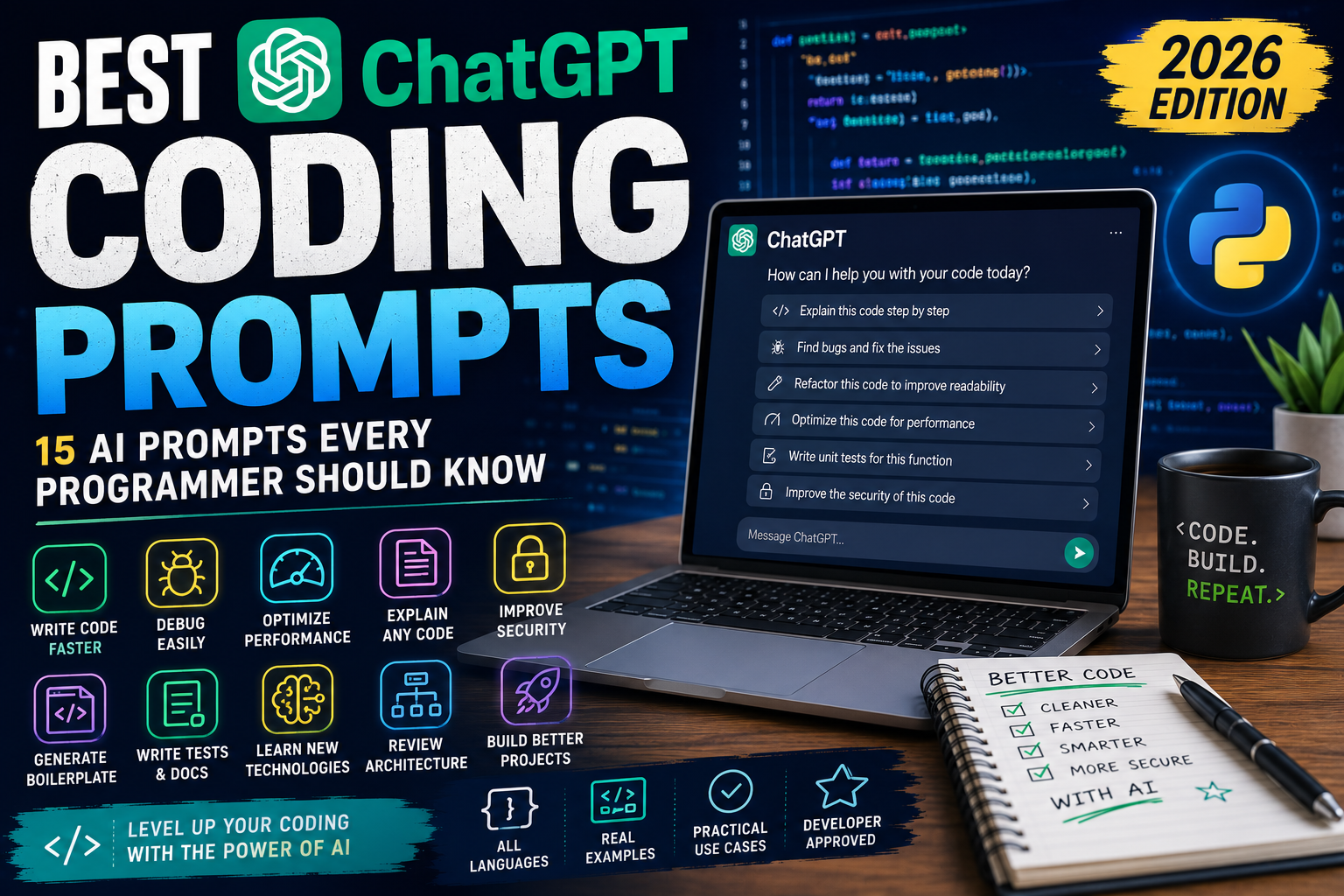
Introduction: Discover the best ChatGPT coding prompts for developers. Learn how to write better code, debug errors, explain algorithms, optimise performance, and become a more productive programmer with AI.
Programming has changed dramatically since the rise of artificial intelligence. Developers no longer use AI just to answer simple coding questions—they use it to debug applications, generate boilerplate code, explain complex algorithms, improve performance, learn new programming languages, and even review entire projects.
ChatGPT has become one of the most valuable tools in a developer’s toolkit, but getting useful results depends on asking the right questions.
A vague prompt usually produces a vague answer. A detailed prompt, on the other hand, can generate well-structured code, identify hidden bugs, explain why something isn’t working, and even recommend best practices that experienced developers follow.
Whether you’re a beginner learning your first programming language or an experienced software engineer working on enterprise applications, these prompts can help you work faster and learn more effectively.
This guide includes 15 practical ChatGPT prompts that you can copy, paste, and customise for almost any programming language.
Tip: AI-generated code should always be reviewed and tested before using it in production.
1. Explain This Code
Prompt
Explain the following code line by line as if you’re teaching someone new to programming. Describe what every function, variable, and statement does, and explain why it was written that way.
Perfect for learning unfamiliar codebases.
2. Find Bugs
Prompt
Review this code for bugs, logic errors, security vulnerabilities, edge cases, and performance problems. Explain each issue before suggesting improvements.
A second set of eyes—even AI-powered ones—can reveal hidden problems.
3. Refactor My Code
Prompt
Refactor this code to improve readability, maintainability, and performance while preserving the existing functionality. Explain every significant change you make.
Cleaner code is easier to maintain.
4. Generate Boilerplate Code
Prompt
Create a complete boilerplate project for [language/framework] using current best practices. Include comments explaining each file and folder.
Great for getting new projects started quickly.
5. Optimise Performance
Prompt
Analyse this code for performance bottlenecks and recommend faster or more efficient approaches. Explain the trade-offs for each suggestion.
Small optimisations can have a big impact.
6. Add Documentation
Prompt
Generate professional documentation for this code, including function descriptions, parameters, return values, usage examples, and inline comments where appropriate.
Good documentation makes collaboration easier.
7. Learn a New Language
Prompt
Teach me [programming language] from beginner to advanced using practical coding exercises, quizzes, and real-world projects.
An excellent way to build programming skills progressively.
8. Compare Technologies
Prompt
Compare [Technology A] and [Technology B]. Explain their strengths, weaknesses, performance, learning curve, and the types of projects each is best suited for.
Useful when choosing frameworks or libraries.
9. Build a Project
Prompt
Suggest ten beginner, intermediate, and advanced programming projects for [language]. Explain the skills each project teaches and provide a recommended development roadmap.
Hands-on practice accelerates learning.
10. Generate Test Cases
Prompt
Create comprehensive unit tests, integration tests, and edge-case scenarios for this code. Explain why each test is important.
Testing is essential for reliable software.
11. Improve Security
Prompt
Review this application for common security vulnerabilities such as SQL injection, cross-site scripting, authentication issues, insecure file uploads, and sensitive data exposure.
Security should be considered early—not added later.
12. Explain Error Messages
Prompt
I’m receiving this error message. Explain exactly what it means, identify the likely cause, and guide me through fixing it step by step.
Understanding errors helps you become a better developer.
13. Review My Architecture
Prompt
Review my application’s architecture and recommend improvements for scalability, maintainability, performance, and future growth.
A strong architecture saves time later.
14. Generate SQL Queries
Prompt
Create efficient SQL queries for the following database structure. Optimise them for readability and performance while explaining each query.
SQL remains one of the most valuable developer skills.
15. Become My Programming Mentor
Prompt
Act as my senior software engineer mentor. Review my code, challenge my assumptions, suggest better approaches, explain industry best practices, and help me become a stronger programmer over time.
One of the most valuable prompts for long-term learning.
Tips for Better Coding Prompts
To receive the most useful responses, tell ChatGPT:
- Programming language.
- Framework.
- Database.
- Operating system.
- Expected behaviour.
- Current behaviour.
- Error messages.
- Project goals.
- Code snippets.
- Performance requirements.
The more context you provide, the more accurate and relevant the responses will be.
Frequently Asked Questions
Can ChatGPT write code?
Yes. ChatGPT can generate code in many programming languages, explain existing code, suggest improvements, and help debug issues. You should always test and review AI-generated code before using it in production.
Which programming languages does ChatGPT support?
ChatGPT can assist with PHP, Python, JavaScript, TypeScript, Java, C#, C++, Go, Rust, Swift, Kotlin, SQL, HTML, CSS, Bash, PowerShell, and many other languages.
Can ChatGPT debug code?
Yes. Providing the code along with any error messages or unexpected behaviour helps ChatGPT identify likely causes and recommend solutions.
Should developers rely on AI?
AI is best viewed as a productivity tool rather than a replacement for programming knowledge. Understanding your code, testing thoroughly, and following best practices remain essential.
Final Thoughts
Artificial intelligence is rapidly becoming a standard part of software development. Developers who learn how to write effective prompts can save time, solve problems faster, and continue building their programming skills.
The prompts in this guide are designed to help developers of all experience levels—from beginners writing their first program to professionals maintaining large applications.
If you enjoyed this article, explore our growing collection of ChatGPT prompt guides covering Python, business, SEO, blogging, writing, social media, productivity, small business, and many more.

When Your Car Starts Inflating Red Balloons… AI Horror Gets Weird
Most people walk past their car every day without giving it a second thought. But what if something&…
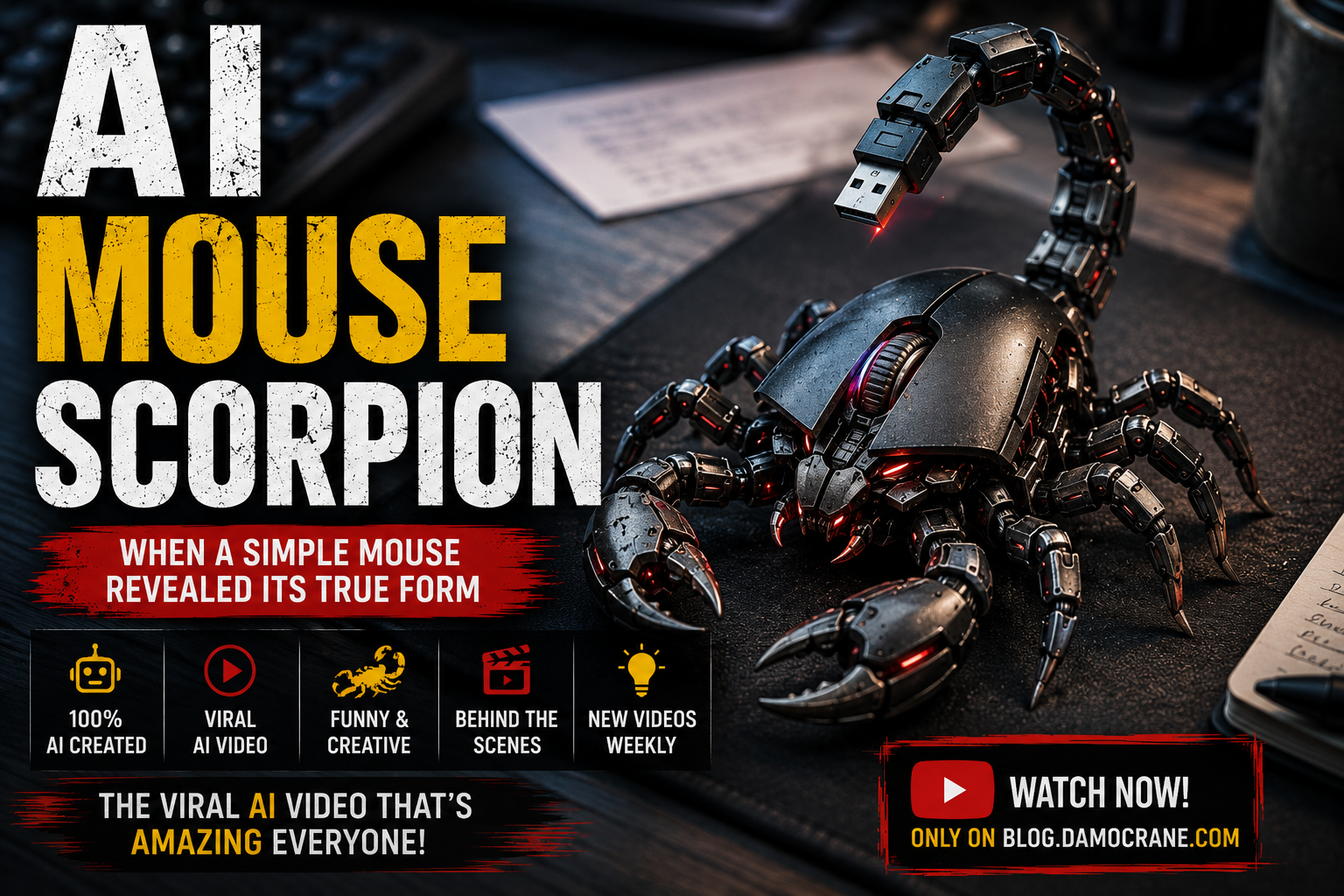
AI Mouse Scorpion | When a Computer Mouse Revealed a Mechanical Scorpion
At first glance, it looked like nothing more than an ordinary wireless computer mouse sitting on my …

AI Coffee Cup Dragon – What Was Hiding Inside My Morning Coffee?
Most people see a coffee mug as just another part of their morning routine. I looked at mine and won…




Leave a Reply