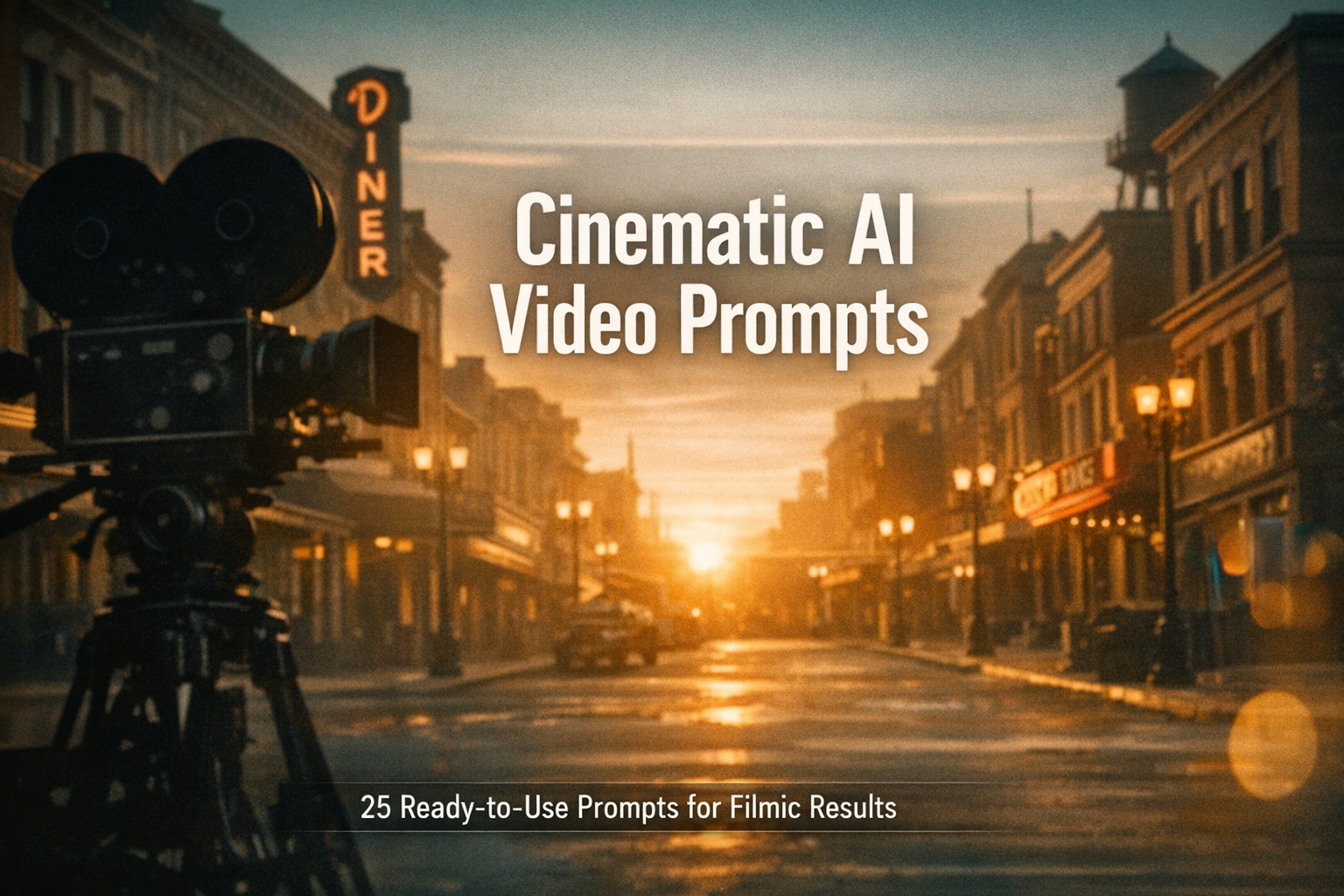
This post gives you 25 ready-to-copy cinematic AI video prompts tailored for modern video-generation models. Each prompt includes a short explanation and a full copy-and-paste line you can drop into generative tools. Use these to explore styles from neo-noir to sweeping drone vistas, slow motion to time-lapse montages, and title sequences to intimate dialogue moments.
1. Neon City Night Drive — Neo-noir Drone Shot
Use this for moody, rain-slick streets and reflective neon lighting. Great for establishing urban atmosphere.
Prompt
Ultra cinematic neon city night drive, neo-noir mood, rain-slick streets reflecting red and blue signs, low-angle drone tracking a vintage car moving through empty lanes, slow shutter motion blur, anamorphic 2.39:1, 24fps, tungsten to neon colour grade, soft film grain, long lens compression, subtle lens flare, dramatic vignette, cinematic soundtrack cues, hyperreal detail
2. Sunrise Over Rugged Coast — Epic Drone Reveal
Wide, slow reveal from cliff to ocean — perfect for travel films and nature montages.
Prompt
Epic sunrise over rugged coastline, slow drone reveal from cliff top down to crashing waves, golden hour light, wide 16:9 composition, 60fps for smooth motion, gentle HDR, God rays through mist, warm cinematic LUT, high dynamic range, natural ambience, sweeping orchestral sting
3. Intimate Café Conversation — Two-Shot Long Take
For character-driven scenes. A soft, handheld long take keeps it grounded and human.
Prompt
Intimate café conversation, two-shot long take, handheld subtle camera movement, shallow depth of field 50mm, soft warm daylight through window, naturalistic ambient sound, 24fps, low contrast filmic grade, close-ups on hands and eyes, gentle focus pulls, realistic background chatter
4. Retro 35mm Road Trip — Grainy Nostalgia Montage
Evokes old home movies and nostalgia with film grain, light leaks and cross-processed colours.
Prompt
Retro 35mm road trip montage, grainy film stock, light leaks, cross-processed colour palette, jump cuts between landscapes and dashboard shots, 24fps, handheld camera, analog vignette, saturated oranges and teals, upbeat indie soundtrack, motion montage rhythm
5. Slow Motion Rainfall — Emotion Close-Up
Use for dramatic emotional beats. Slow motion increases weight and detail.
Prompt
Slow motion rainfall close-up, cinematic shallow depth of field, raindrops slow and tactile, backlit rim light creating bokeh, 120fps slow motion, muted colour palette, emotional sighing ambience, soft film grain, intimate portrait composition, subtle wet skin highlights
6. Time-lapse Cityscape — Rush Hour to Midnight
Great for showing passage of time across a city. Speed ramps and exposure adjustments sell the effect.
Prompt
Time-lapse cityscape from golden hour to midnight, dynamic speed ramp transitions, cars become light streaks, building windows turn on, subtle parallax, hyper-lapse street glide, 4K clarity, crisp contrast, cinematic blue hour grading, ambient urban hum
7. Desert Highway Chase — Low Angle Tracking
High-adrenaline moving vehicle shot, emphasise speed and environment with low camera placement.
Prompt
Desert highway chase, low-angle tracking shot alongside speeding muscle car, dust wake and tyre blur, 24fps, high shutter for crisp motion, warm dusty colour grade, sun flare streaks, anamorphic lens compression, roaring engine ambience, tense rhythmic music
8. Intense Close-Up Dialogue — Cinema Verite
For raw performances. Keep the frame tight and lighting practical to enhance realism.
Prompt
Intense close-up dialogue shot, cinema verite style, natural practical lighting from table lamp, tight 85mm framing, slight handheld micro-move, 24fps, desaturated colour grade, faint ambient background noise, organic emotional performance, minimal scoring
9. Futuristic Interior — Holographic Interface Sequence
Perfect for sci-fi scenes with UI overlays and layered VFX elements.
Prompt
Futuristic interior with holographic interfaces, soft volumetric lighting, interactive UI panels floating in space, smooth dolly and crane choreography, 2.39:1 aspect, 24fps, cool teal and silver palette, subtle particle effects, interactive cursor motion, ambient electronic soundscape
10. Match Cut Montage — Symbolic Visuals
Use match cuts to create poetic connections between unrelated images. Good for music videos and intros.
Prompt
Match cut montage linking everyday objects to landscapes, rhythmic pacing to a slow tempo track, seamless visual transitions, consistent colour grade, 24fps, wide-to-close framing, cinematic film grain, layered ambience, symbolic visual storytelling
11. Underwater Ballet — Slow Motion Submerged Portrait
Dreamlike underwater shots benefit from slow shutter and soft lighting. Keep motion graceful.
Prompt
Underwater ballet slow motion, submerged portrait with flowing fabric, soft caustic light shafts, 60fps, ethereal bluish grade, minimal bubbles, suspended weightless motion, gentle camera orbit, filmic softness, ambient underwater sound design
12. One-Shot Tracking Through Market — Real-time Energy
A single take moving through a crowded market creates immediacy and immersion.
Prompt
One-shot tracking through bustling market, smooth Steadicam style movement weaving between stalls, natural sunlight and practical lights, 24fps, handheld realism with stabilised gimbal, colourful textiles and food, organic crowd audio, high detail, cinematic depth
13. Noir Alley Confrontation — Low Key Lighting
High-contrast, low-key setups and silhouettes ramp up tension for confrontations.
Prompt
Noir alley confrontation, low key lighting, harsh rim light, strong shadows, 2.39:1 anamorphic, 24fps, smoke and fog for depth, high contrast black and white grade option, wet cobblestones reflecting light, tense score sting
14. Macro Nature Study — Insect Close-Up
Macro motion can feel cinematic if you focus on micro-details and subtle camera shifts.
Prompt
Macro nature study of insect on leaf, ultra close-up, shallow depth of field, micro-focus stacking effect, slow reveal pan, golden morning dew, 120fps for micro slow motion, crisp texture detail, natural ambience, soft warm LUT
15. Retro Title Sequence — Kinetic Typography
Stylised opening titles with moving type, layered textures and filmic transitions set tone fast.
Prompt
Retro title sequence with kinetic typography, grainy 1970s textures, split-screen montages, bold san serif type, colour palette of burnt orange and olive, 24fps, smooth cross dissolve transitions, analog film scratches, punchy stinger hits
16. Quiet Dawn Interior — Minimalist Stillness
Use long, simple takes and soft light to convey calm and reflection.
Prompt
Quiet dawn interior, minimalist composition, soft directional morning light through blinds, static wide shot with small human figure, 24fps, muted pastel colour grade, slow ambient piano sound, subtle practical sounds, contemplative mood
17. High-Stakes Heist Montage — Rapid Cut Planning
Plan beats as micro-shots: hands, gadgets, timers, eyes. Fast edits create tension.
Prompt
High-stakes heist montage, rapid intercut close-ups of hands, gadgets and timer, split-second reaction shots, tight framing, pulsing rhythmic soundtrack, 24fps, desaturated cool tones, high contrast lighting, consistent cutting rhythm
18. Aerial Forest Mist — Tracking Over Canopy
Soft morning mist and layered trees create depth. Good for documentary openers.
Prompt
Aerial tracking over misty forest canopy, gentle dolly forward, morning fog rolling between trees, golden edge light, wide 16:9, 30fps, high dynamic range, natural forest ambience, subtle cinematic colour grade
19. Mirror Room Dance — Symmetry and Reflection
Playing with mirrors and reflections gives a choreography an abstract, cinematic look.
Prompt
Mirror room contemporary dance, multiple reflections creating symmetry, carefully choreographed camera moves, theatrical side lighting, 24fps, crisp contrast, controlled highlights, rhythmic ambient music, slow pans and track-ins
20. Vintage Newsreel — Documentary Style Insert
Add archival texture with flicker, scratches and mono audio to sell period authenticity.
Prompt
Vintage newsreel style insert, black and white, flicker and light scratches, 1920s film stock emulation, narrow aspect, grainy texture, mono audio narration, push-in archival captions, handheld reporting vibe
21. Futuristic City Timetable — UI Overlay Transit Map
Combine motion graphics and live-action to create a believable future-city planning sequence.
Prompt
Futuristic city timetable sequence, animated UI overlay transit map layered on aerial footage, neon nodes and glowing connection lines, smooth camera parallax, 24fps, cool cyan palette, subtle particle data points, ambient tech sound design
22. Snowbound Cabin — Cozy Interior Cinematography
Warm interior contrast with cold exterior light creates a cosy cinematic scene for dramas.
Prompt
Snowbound cabin interior, warm candle and fireplace practical lighting contrasting with blue snowlight outside, cosy wide shot then slow push in, 24fps, soft filmic grain, homely textures and steam in air, muffled exterior silence, gentle acoustic guitar
23. High-Contrast Sports Highlight — Dynamic Edit
Short clips stitched with impactful cuts emphasise action and athleticism.
Prompt
High-contrast sports highlight reel, fast cutting, slow motion impact frames, crisp stadium lighting, desaturated background with punchy player colours, 60fps for action smoothing, rhythmic percussion track, cinematic scoring hits
24. Abandoned Theme Park — Haunting Wide Shot
Use silence, long lenses and slow push-ins to build eerie atmosphere in abandoned locations.
Prompt
Abandoned theme park at dusk, haunting wide shot with slow push in towards rusted ride, overcast teal grade, subtle wind ambience, long focal length compression, decayed textures, 24fps, film grain and muted chroma
25. First-Person POV Sprint — Tension and Breath
POV camera with natural breathing and body motion creates urgency in chase or escape scenes.
Prompt
First-person POV sprint through narrow alleyways, camera bobbing with breath and footfall impact, shallow depth indicating peripheral blur, 60fps for smooth motion, gritty urban texture, close ambient breathing audio, rapid editing possibilities, desaturated urban LUT
Practical tips for using these prompts
- Start broad, then refine. Use a basic prompt and add camera lens, aspect ratio, frame rate and mood adjectives incrementally.
- Match aspect ratio to your delivery platform. Use 2.39:1 or 16:9 for cinematic feel, 9:16 for shorts and vertical platforms.
- Frame rate matters. 24fps equals cinematic motion. Use 48/60/120fps for smooth slow motion or action clarity.
- Specify lens and focal length to control depth. 24mm wide for environment, 50–85mm for portraits, 100mm+ for compressed telephoto looks.
- Include references. Add a short phrase like “in the style of Blade Runner lighting” or name a filmic LUT to guide colour tone.
- Use practical light sources in the prompt. Mention “practical lamp” or “neon sign” so the model places believable highlights and reflections.
- Layer sound and music cues. While visuals are primary, describing ambience or musical hits helps set pacing for montage prompts.
- Iterate with small changes. Swap lens, change time of day, or adjust grain and shutter speed for dramatic differences.
- For long takes mention camera stabilisation: steadicam, gimbal or handheld. That helps the model render movement consistently.
- When combining live-action and VFX (UI overlays, holograms) include words like “layered” “composited” and “interacting” to encourage integration.
FAQs
What makes a prompt “cinematic”?
A cinematic prompt emphasises elements filmmakers use: lens choice, aspect ratio, camera movement, lighting quality, colour grading and filmic details like grain or lens flares. Together these cues guide a model toward film-style imagery and motion.
Which frame rate should I pick for cinematic results?
24fps is the industry standard for a filmic look because of the natural motion blur it produces. Use higher frame rates like 60fps or 120fps for slow motion or very smooth action footage.
How do I keep prompts consistent across multiple shots?
Define constant attributes at the top of your prompt set: aspect ratio, frame rate, colour grade, and film stock. Reuse these phrases in every shot prompt so the model keeps a coherent visual language.
Are there legal or ethical issues when generating cinematic footage?
Yes. Avoid generating footage that impersonates real people without consent or creates harmful deepfakes. Respect copyright if you reference specific copyrighted cinematography or trademarks. Always check your platform’s terms and local laws.
How do I turn a prompt into a shot list or storyboard?
Break the scene into beats and write one prompt per beat describing camera position, movement, lens, lighting and emotion. Use the prompts as visual references, then sequence them in a storyboard with timing notes and sound cues.
Related articles
- Grok Imagine Prompts (2026): 25 AI Prompts to Create Stunning Images Fast
- Best Customisable AI Templates to Teach Computational Thinking to Kids (2026)
- Best age-appropriate AI prompts for children (2026): 25 AI Prompts to Teach, Play & Stay Safe
- Best free AI tools for after-school STEM clubs in Australia (2026)
Final thoughts
These 25 cinematic prompts are designed to be practical starting points. Treat them like recipe cards: adjust lighting, camera language and pacing to suit your story. Generative models are great at exploring variations quickly, so iterate and keep a small library of successful prompts and reference frames. If you treat prompts like shorthand for filmmaking decisions you already understand, you get more predictable and filmic outputs.
Want more examples or an editable shot list for a specific short scene? Drop a comment and I’ll put together a downloadable template.
Leave a Reply